Getting started with seoestore order history does not have to be complicated. This guide walks you through everything step by step — from creating your account to placing your first order and understanding your results.
Step 1: Create Your SEOeStore Account
Visit panel.seoestore.net and click Sign Up. You will need:
- An email address
- A password
- Basic contact information
Account creation is free and takes less than 2 minutes. Once registered, you have immediate access to all services.
Step 2: Explore the Panel
After logging in, you will see the main dashboard. Key sections include:
- New Order — Browse and order SEO services
- Order History — Track your existing orders
- Reports — View delivery reports for completed orders
- Balance — Check your account balance and add funds
Take a few minutes to explore. The panel is designed to be intuitive even for first-time users.
Step 3: Add Funds to Your Account
Before placing an order, you need to add funds. SEOeStore supports:
- PayPal
- Credit cards (Visa, MasterCard, American Express)
- Bitcoin
- Payoneer
- Neteller
- KNET
Choose your preferred payment method and add enough to cover your first order. Campaigns start as low as $5.
Step 4: Place Your First Order
For most new users, the best starting point is an SEO Campaign — it automatically allocates your budget across multiple link types.
- Go to New Order → SEO Campaigns
- Choose a budget tier ($5-$25 for your first test)
- Enter your target URL (the page you want to rank)
- Enter 1-3 keywords you are targeting
- Click Submit
That is it. Your campaign enters the queue and delivery begins automatically.
Step 5: Understand Your Delivery Report
After your order completes, you will receive a detailed report showing:
- Every link that was placed
- The URL where each link was created
- Anchor text used
- Domain authority of each linking site
- Link type breakdown
Use this report to verify delivery and track which links are live.
Step 6: Monitor Results
SEO takes time. After your first order:
- Wait 4-6 weeks before assessing ranking changes
- Check Google Search Console for new backlinks being detected
- Monitor keyword positions using your preferred tracking tool
- Track organic traffic trends
Step 7: Scale Your Strategy
Once you see how the process works:
- Increase your budget for larger campaigns
- Set up recurring orders for consistent link building
- Add press releases for brand authority signals
- Try different link types from the Backlinks Collection
Common Questions for New Users
What is the minimum order?
SEO Campaigns start at $5. Individual backlinks start at $0.00033 per link.
How fast will I see results?
Most users start seeing ranking movement within 4-12 weeks. Results depend on competition, content quality, and your site's existing authority.
Can I cancel an order?
Orders in the queue can be canceled. Once processing begins, the order will be completed.
Do I need SEO knowledge to use SEOeStore?
No. The panel is designed for all experience levels. SEO Campaigns PRO handles the technical decisions for you.
Tips for Getting the Most From SEOeStore
Bookmark your dashboard
Save panel.seoestore.net for quick access. The dashboard gives you a full overview of your account, orders, and balance at a glance.
Start with SEO Campaigns PRO
If you are not sure where to begin, SEO Campaigns PRO is the easiest entry point. Choose a budget ($5–$5,000), enter your URL and keywords, and the system allocates the right mix of backlinks, indexers, and extras automatically.
Use drip feed on your first order
Adding drip feed spreads link delivery over days or weeks rather than all at once. This creates a more natural-looking backlink profile — especially important for new sites or first-time link builders.
Check your delivery report
After every order, review the detailed delivery report in your dashboard. It shows every link placed, the URL, anchor text used, and the domain authority of each linking site. This data helps you understand what you received and plan next steps.
Set up recurring orders
Consistent link building compounds results over time. Once you see how your first order performs (allow 4-12 weeks), set up a recurring monthly campaign for steady growth.
Take advantage of all services
SEOeStore is more than backlinks. Explore the full catalog:
| Service | Best for | Starting price |
|---|---|---|
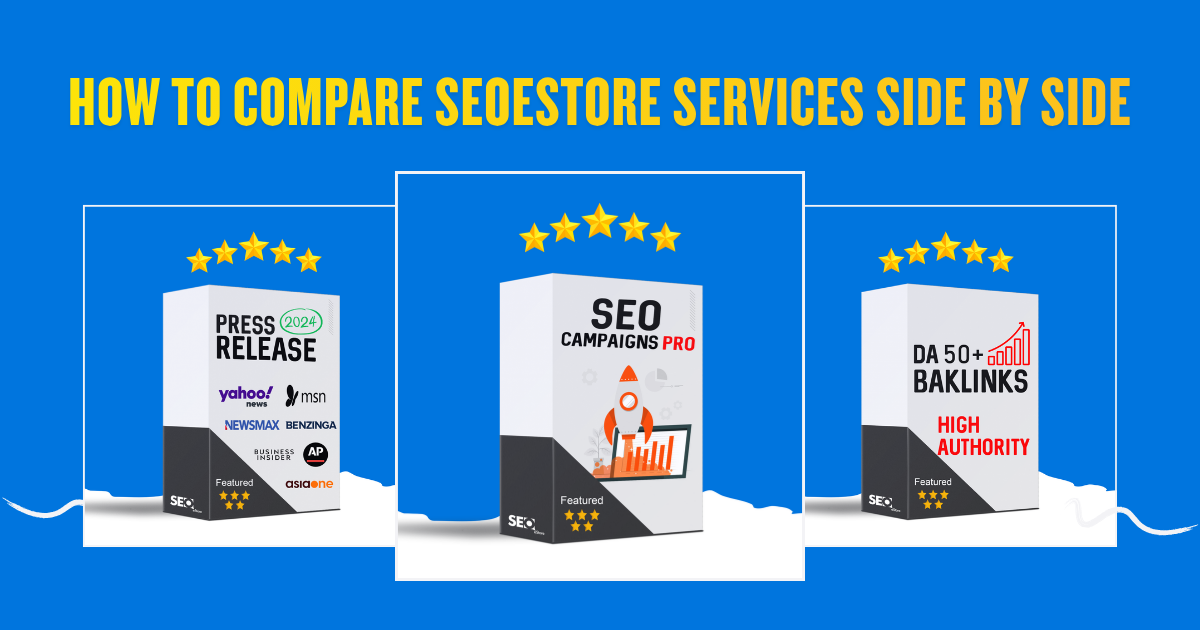
| SEO Campaigns PRO | All-in-one managed campaigns | $5 |
| Backlinks Collection | Specific link types (DA 30+, 50+, 70+) | $0.00033/link |
| Press Release | Brand authority on 400+ media sites | $120 |
| Link Pyramid | Tiered link architecture | Varies |
| Drip Feed | Natural link delivery schedule | Added to any order |
Ready to Start?
Join 226,000+ customers who have already grown their SEO with SEOeStore. Create your free account and place your first order today.
Next steps:

Discussions (0)
Join the conversation
Sign in to share your opinion.
Sign InNo comments yet.