If you want backlinks but don't want to pick each link type one by one, SEOeStore's SEO Campaigns PRO is the shortest path from sign-up to results. You set a budget, and the system automatically allocates your spend across multiple link types — Web 2.0, DA links, article directories, social signals, wiki, forum, and more.
This guide covers how the campaigns work, which budget tier fits your site, and how to get the most value from every dollar.
What Is SEO Campaigns PRO?
SEO Campaigns PRO is a managed link-building service available at panel.seoestore.net. Instead of ordering individual link types separately, you select a campaign budget and SEOeStore distributes your order across a proven mix of link types.
How it works:
- Log in to your SEOeStore panel
- Go to New Order → SEO Campaigns
- Choose your budget tier
- Enter your target URL and keywords
- Add optional extras (indexer, articles, drip feed)
- Submit — delivery begins automatically
The system handles the link-type allocation, so you don't need to be a link-building expert to get a diversified backlink profile.
Campaign Budget Tiers
SEOeStore offers campaigns at every budget level:
| Tier | Budget range | Best for |
|---|---|---|
| Starter | $5–$25 | Testing, new sites, single pages |
| Growth | $50–$100 | Active sites ready to scale |
| Authority | $250–$500 | Competitive niches, established sites |
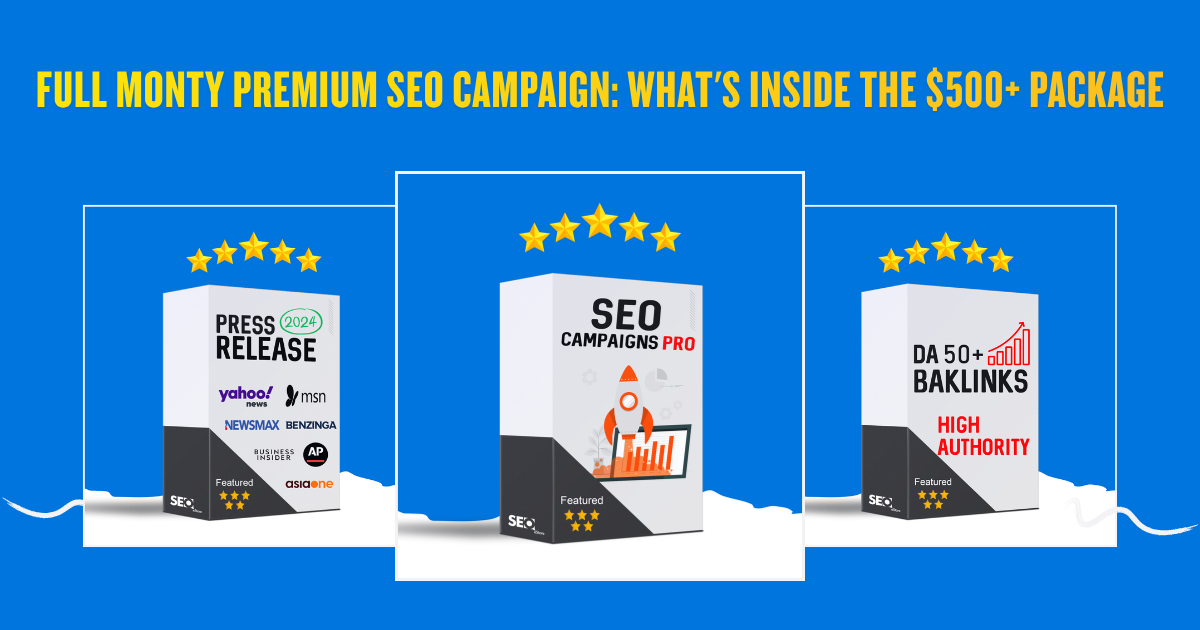
| Full Monty Premium | $500+ | Maximum firepower, enterprise-level campaigns |
Every tier uses the same underlying link-type mix — the difference is volume and diversity. Higher budgets mean more link types, more links, and broader coverage.
→ Not sure which tier fits? Read How to Choose the Right SEO Campaign Budget.
What's Included in a Campaign
Every campaign order distributes your budget across these link types:
- Web 2.0 — Contextual links from high-authority Web 2.0 platforms
- DA links — Links from domains with measurable domain authority
- Article directory — Editorial-style placements across article sites
- Social signals — Social profile and social bookmark links
- Wiki links — Wikipedia-style contextual references
- Forum links — Niche-relevant forum post links
- Mix platforms — Additional diversity from varied sources
The exact allocation depends on your budget. Larger budgets unlock more link types and higher quantities across each category.
→ Want the full breakdown? See What Links Are Included in an SEO Campaign Order.
Campaign Add-Ons and Extras
Three add-ons can significantly improve your campaign results:
Indexer add-on
Submits your new backlinks to indexing services so search engines discover them faster. Without indexing, some backlinks may take weeks or months to be crawled.
Article extras
Adds unique written content to your campaign links, making them more contextual and natural-looking.
Drip feed
Instead of building all links at once, drip feed spreads delivery over days or weeks. This creates a more natural link velocity pattern. Learn more in How Drip Feed Works With SEO Campaigns.
Who Should Use SEO Campaigns PRO?
Best fit:
- Small business owners who want SEO results without managing individual link orders
- Site owners launching new projects who need a diversified backlink foundation
- Anyone who tried buying individual links but found the process too manual
Consider individual backlinks instead if:
- You need a specific link type (e.g., only DA 70+ links)
- You have a detailed anchor text strategy requiring per-link control
- You're an SEO specialist who already knows exactly what link profile you want
→ Compare the two approaches: SEO Campaign vs Individual Backlinks
How to Get Maximum Value From Your Campaign
Start with Starter, then scale
If you've never used SEOeStore, begin with a $5–$25 Starter campaign. See how the delivery works, review your report, then scale up to Growth or Authority tiers.
→ See what the entry-level gets you: SEO Campaign Starter Pack: What $5–$25 Gets You
Add drip feed for natural growth
Campaigns delivered all at once can look unnatural. Adding drip feed spreads the links over time, mimicking how organic backlinks accumulate.
Set up recurring orders
SEO isn't a one-time event. Monthly recurring campaigns compound results over time — each month's links build on the previous month's authority gains.
→ Learn the compounding effect: Monthly SEO Campaigns: How Recurring Orders Compound Results
Combine with press releases for maximum impact
A campaign handles your ongoing backlink needs. Adding a quarterly press release creates high-authority brand signals from 400+ media sites.
→ See the combo strategy: How to Combine Backlinks + Press Release for Maximum Impact
Campaign Delivery and Reporting
After you submit your order:
- Processing — Your campaign enters the queue (typically starts within 24 hours)
- Building — Links are created across the allocated link types
- Delivery — You receive a detailed report showing every link placed
- Report — Includes link URLs, anchor text used, domain metrics, and link type breakdown
Delivery timelines vary by campaign size. Starter campaigns typically complete faster than Full Monty Premium orders.
Frequently Asked Questions
How long does an SEO campaign take to deliver?
Delivery depends on campaign size. Starter campaigns typically complete within a few days. Larger Authority and Full Monty campaigns may take 1–3 weeks depending on the link volume.
Will I see ranking improvements after one campaign?
SEO results depend on many factors including your site's current authority, competition level, content quality, and on-page optimization. Campaigns are designed to improve your backlink profile, which is one of the key ranking factors. Most sites see measurable changes within 4–12 weeks.
Can I choose which link types my campaign includes?
Campaign link types are allocated automatically based on your budget. If you need specific link types, consider ordering from the Backlinks Collection instead.
Is drip feed worth the extra cost?
For most sites, yes. Drip feed creates a more natural link growth pattern and reduces the risk of velocity spikes.
Can I run campaigns for multiple URLs?
Yes. Place separate campaign orders for each target URL with its own keywords and budget.
Start Your First SEO Campaign
SEOeStore has delivered campaigns to 226,000+ customers across 70+ countries since 2015. Whether you're testing with a $5 Starter or going all-in with Full Monty Premium, the process is the same: choose your budget, enter your details, and let the system work.
Browse other service options:
- Buy High DA Backlinks for targeted individual links
- Press Release Distribution for brand authority signals
- Link Pyramid for tiered link architecture
Discussions (0)
Join the conversation
Sign in to share your opinion.
Sign InNo comments yet.